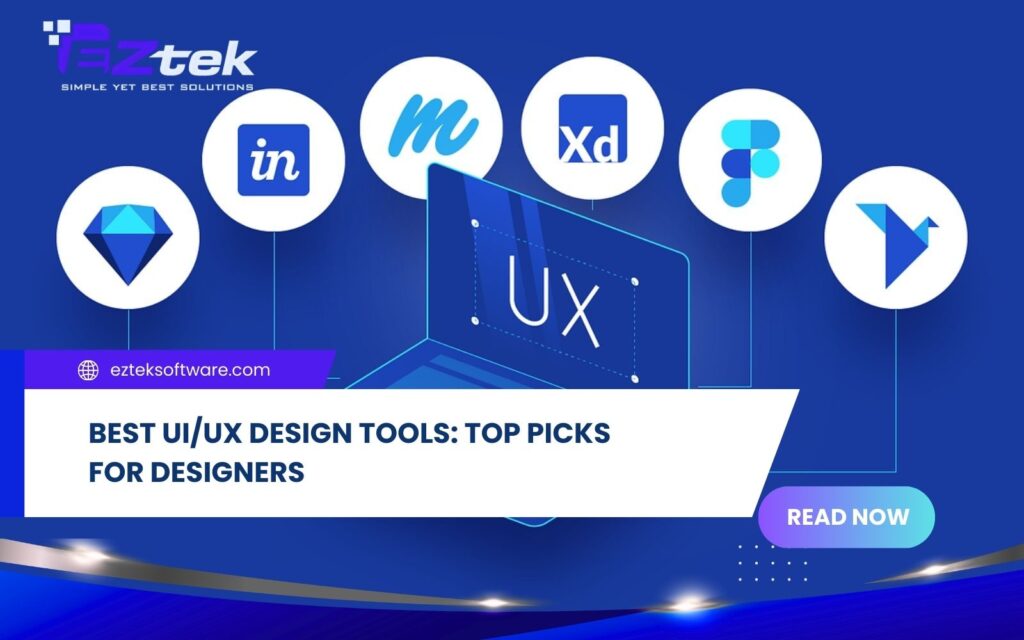
In the rapidly evolving digital landscape, the quality of a product’s interface and user experience can make or break a business. To create seamless digital journeys, professionals must rely on powerful UI UX design tools that bridge the gap between imagination and reality. In this article, EZtek will explore the top UI UX design tools available today and guide you on how to select the perfect match for your workflow.
Best Free and Paid UI/UX Design Tools for Maximum Efficiency
The market is filled with UI and UX design tools, each offering unique features for wireframing, prototyping, and collaboration. Here is a breakdown of the top 10 UI UX design tools and top 5 UI UX design tools that dominate the industry:
Figma
Figma is often the first name that comes to mind when designers talk about UI UX design tools for teamwork. As a cloud-based platform, it allows multiple designers and stakeholders to work on the same file in real time, making collaboration seamless and efficient. Figma is especially favored by modern design teams thanks to its flexibility and accessibility.

Pros:
- Cloud-based access from any device with a browser
- Real-time collaboration for teams
- Clean, modern, and beginner-friendly interface
- Rich plugin ecosystem that boosts productivity
- Powerful features such as Auto Layout, Components, and Constraints
- Easy sharing and preview of designs
- Free plan suitable for individuals and small teams
Cons:
- Performance may slow down with large or complex design files
Adobe XD
Adobe XD is a well-known option among UI and UX design tools, particularly for designers already working within the Adobe ecosystem. It focuses on interface design and interactive prototyping, allowing designers to quickly turn static screens into clickable experiences. Integration with other Adobe products makes it a convenient choice for Creative Cloud users.

Pros:
- Seamless integration with Adobe Creative Cloud
- Intuitive and polished user interface
- Easy prototype sharing and feedback collection
- Supports responsive previews on multiple screen sizes
Cons:
- Limited advanced interaction and micro-animation features
- No true real-time collaboration on a single file
- Requires a paid subscription
Sketch
Sketch has long been considered a classic tool for UI design, especially on macOS. It is widely used for creating interfaces, icons, and web layouts, with a strong focus on vector-based design. Many designers appreciate Sketch for its simplicity and extensive plugin community.

Pros:
- Simple and easy-to-learn interface
- Large community with many free plugins
- Reusable components help maintain design consistency
Cons:
- Available only on macOS
- Limited support for interactive prototyping
- Weak bitmap image editing capabilities
Read more: Figma and Sketch Comparison
Framer
Framer bridges the gap between design and development by enabling highly interactive and realistic prototypes. It offers ready-made components, layouts, and animations that help designers create dynamic experiences quickly. Framer is especially useful when interaction and motion are a priority.

Pros:
- Supports importing designs from Figma and Sketch
- Large community with abundant free resources
- Strong focus on interaction, transitions, and animation
Cons:
- High system requirements for complex projects
- Not ideal for exporting high-quality static design files
Axure RP
Axure RP is a powerful choice for complex projects that require detailed logic and documentation. Unlike many visual-focused tools, Axure allows designers to build highly interactive prototypes with conditional logic and dynamic content. It is commonly used in enterprise-level UX projects.

Pros:
- Advanced interaction and logic for complex prototypes
- Supports detailed variations and adaptive views
- Preview designs on multiple devices
- Automatically generates technical documentation
- Enables team collaboration
Cons:
- Steep learning curve for new users
- Requires high system performance for large projects
- Limited vector design support
- Relatively expensive
Marvel
Marvel offers a refreshingly simple platform for wireframing and testing, making it ideal for those seeking UI UX design ai tools free features that don’t require coding. Its user-friendly nature makes it a favorite for quick turnarounds and startup environments.

Pros:
- Beginner-friendly and intuitive interface
- Fast drag-and-drop prototyping
- Built-in user testing tools
- Integrates with tools like Dropbox and Slack
Cons:
- Lacks advanced features such as reusable components
- Limited customization and workflow flexibility
- Not ideal for vector-heavy design work
Balsamiq
Balsamiq is designed for speed and simplicity, making it ideal for early-stage wireframing. Its sketch-style interface encourages designers to focus on structure and ideas rather than visual details. This makes Balsamiq a popular choice during brainstorming and concept validation.

Pros:
- Very simple and intuitive interface
- Fast creation of low-fidelity wireframes
- Hand-drawn, whiteboard-style visuals
- Supports linking between wireframes
- Exports to PDF and image formats
Cons:
- Not suitable for high-fidelity or interactive prototypes
- Mainly useful in the early ideation phase
What are the factors to choose the right UI/UX tools?

Selecting the right UI UX design tools plays a crucial role in determining how efficiently a design team can work and how well a product meets user expectations. Below are the key factors you should consider before deciding:
- Ease of Use: Choose a tool that balances power with a manageable learning curve. The best free UI UX design tools should allow you to start creating quickly without extensive training.
- Features & Functionality: Ensure the tool supports your specific needs, whether it’s low-fidelity wireframing or high-fidelity prototyping. Many best AI UI UX design tools now include automation to speed up layout creation.
- Collaboration: Since design is a team effort, popular UI UX design tools must allow for real-time feedback, co-editing, and easy developer handoff.
- Cost: Evaluate the pricing structure. While many offer UI UX design ai tools free versions, consider the subscription costs for advanced team features and library sharing.
- Integration: The design tools usually integrate seamlessly with other platforms like Slack, Jira, or Adobe Creative Cloud to keep the workflow smooth.
Why should you choose UI/UX design services at EZtek?

At EZtek, we combine deep industry expertise with the latest UI and UX design tools to build products that are not only visually stunning but also strategically functional. Our design philosophy focuses on creating human-centric interfaces that drive engagement and foster long-term brand loyalty.
- User-centered design philosophy: We start every project by understanding users through research, personas, and user journey mapping, ensuring each design decision is purposeful and data-driven.
- End-to-end UI/UX services: EZtek supports the entire design process—from wireframes and prototypes to high-fidelity UI and design handoff—using modern UI and UX design tools and efficient workflows.
- Experienced and multidisciplinary team: Our designers combine strong visual design skills with solid UX thinking, creating interfaces that are both visually engaging and easy to use.
- Business-driven design approach: We don’t just design for aesthetics. EZtek focuses on delivering measurable value by improving usability, engagement, and conversion rates.
- Smooth collaboration and delivery: Our team works closely with developers and stakeholders, helping reduce rework, shorten timelines, and ensure design consistency throughout development.
If you want to turn UI UX design tools into meaningful user experiences and real business outcomes, we’re here to help. Contact EZtek today and let our team transform your ideas into user-focused, high-performing digital products.

Great design is the bridge between a simple idea and a world-class user experience, made possible by mastering the best UI UX design tools. As technology continues to evolve, staying ahead of the curve with the right software will ensure your brand remains competitive and engaging. Let the specialized team at EZtek help you navigate this journey and craft a digital masterpiece that exceeds your expectations.