
Mastering UI design principles is the key to transforming complex interfaces into intuitive user journeys. Understanding what are UI design principles allows creators to build products that are both beautiful and functional. In this post, EZtek Software will break down the UI design principles and guidelines to help you design more effective and accessible user interfaces.
What are UI design principles?
UI design principles are essential guidelines that help designers build interfaces which feel intuitive, efficient, and user-friendly. Rather than focusing only on visual appeal, these principles support better usability, accessibility, and overall satisfaction across digital products. By applying UI/UX design principles consistently throughout the design process, teams can make informed design decisions that keep interfaces clear, user-centered, and aligned with real user needs.

Benefits of applying UI design principles
Applying UI design principles provides a clear framework for building interfaces that are easy to use, inclusive, and engaging. Below are the key benefits of following UI design principles and best practices:
- Improved Usability: Principles such as clarity, feedback, and consistency make interfaces easier to understand and navigate. Users can quickly recognize actions, interpret labels, and feel confident interacting with the system, which reflects a good UI design principle in practice.
- Enhanced Accessibility: By following UX and UI design principles focused on accessibility, designers ensure products are usable for people of different abilities. Features like sufficient contrast, keyboard navigation, and text alternatives remove barriers and create more inclusive experiences.
- Consistency and Reliability: Consistent layouts, colors, and interaction patterns help users build familiarity and trust. This reliability is a core part of UI design principles and guidelines, allowing users to predict outcomes and avoid unnecessary errors.
- Faster Learning and Stronger Engagement: Clear structure, logical grouping, and visual hierarchy reduce the learning curve. When users understand an interface quickly, they are more likely to stay engaged, interact confidently, and return to the product.

The 7 key principles of UI design
To build a high-quality interface, designers rely on these 7 principles of UI design. These rules act as a framework to ensure every pixel serves a purpose and enhances the user experience (UX):
Hierarchy
Visual hierarchy is about guiding the user’s eye to what matters most. Much like a book uses titles and chapters to orient a reader, a good UI design principle uses font weight, size, and strategic spacing to signal importance. By being intentional about what a user sees first versus what requires scrolling, you align the interface with the user’s top priorities. This is a core part of UI design principles in software engineering

Progressive Disclosure
To prevent “information overload,” designers use progressive disclosure. This technique sequences features into manageable steps, only showing data when it is actually needed. For instance, instead of a long, intimidating form, an onboarding flow might ask for one detail at a time. This keeps the experience from feeling overwhelming while helping users stay oriented through a clear sense of progress.
Consistency
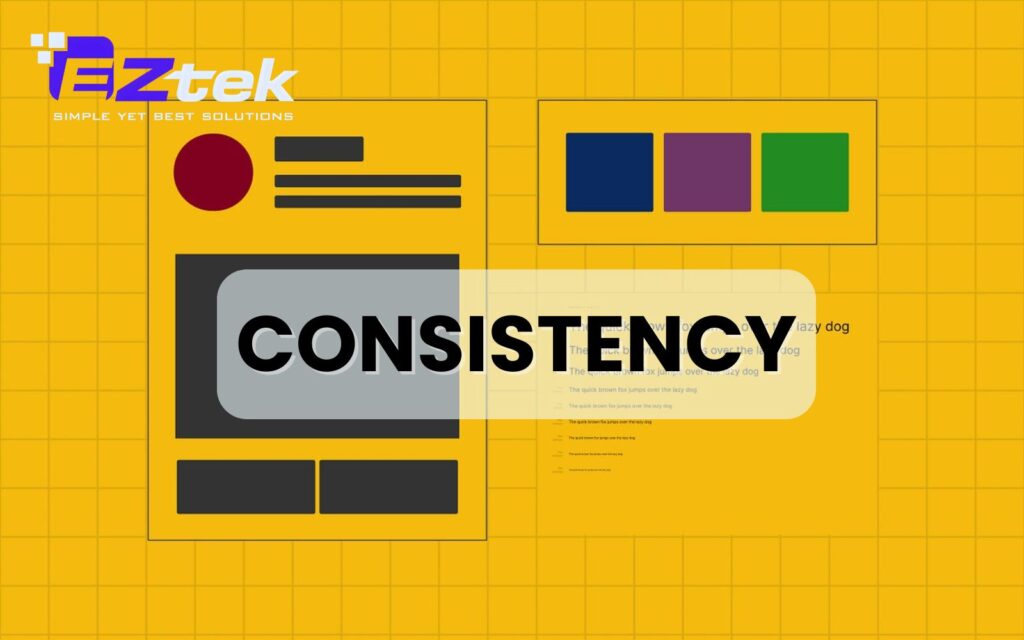
A powerful interface feels familiar instantly. Consistency ensures that buttons, icons, and interactions work the same way across every screen. When you deviate from established patterns without a strong reason, you increase the “cognitive load,” causing users to hesitate. Maintaining this continuity is one of the most vital UI design principles and guidelines.
Contrast
Contrast is a strategic tool used to command attention. Whether it’s a bold red “Delete” button against a clean white background or varying text colors, contrast highlights critical actions. While subtle colors work for secondary tasks, high contrast is essential for guiding users toward the primary goal of a page, serving as an excellent good UI design principle.
Accessibility
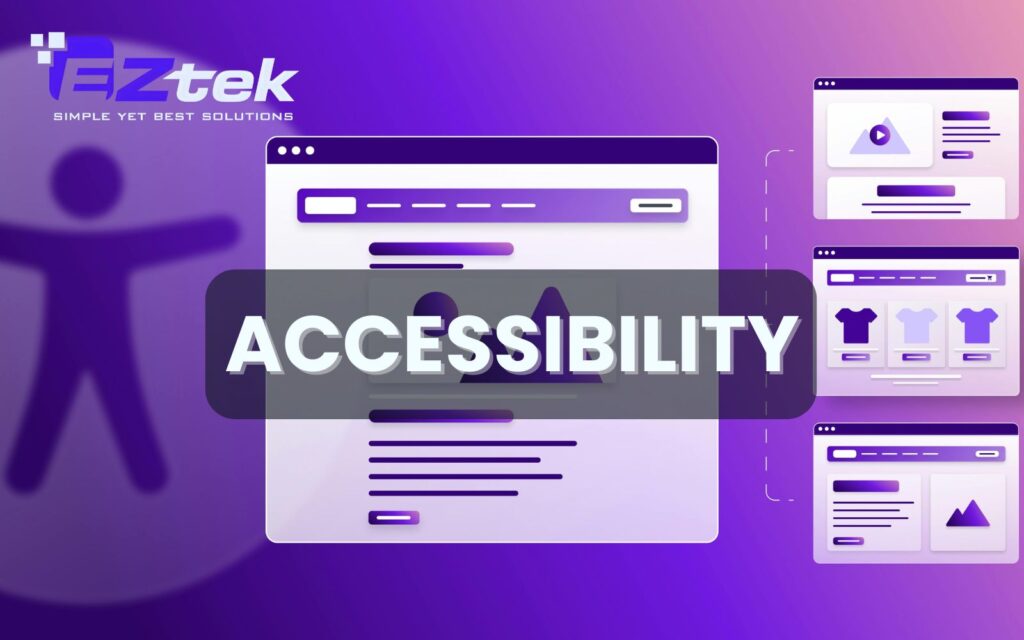
Accessibility ensures your design is inclusive for all, including the billions of people worldwide with vision impairments. Beyond just aesthetics, this involves following UI design principles and best practices like the WCAG guidelines. This includes providing high-contrast text, proper keyboard navigation, and alternative text for images to ensure no user is left behind.
Proximity
The principle of proximity dictates that elements with related functions should be grouped together. For example, in a video player, the “Play” and “Pause” buttons sit close to each other because they control playback. Keeping unrelated actions like “Exit” at a distance prevents accidental clicks and creates a more intuitive flow.
Alignment
Professionalism in design comes down to clean lines. Using a strong grid system for alignment creates a sense of order and balance. When elements are aligned predictably, it improves readability and makes the interface feel stable. This is one of the 4 foundational UI design principles that separates amateur work from polished, professional products.

How to design an effective user interface?
Creating a high-quality interface requires more than just following rules; it’s about applying UI/UX design principles strategically to solve user problems. Here is how to put these UI design principles and best practices into action:
- Place UI Elements Wisely: Arrange tools and buttons where users naturally expect to find them. Use hierarchy to ensure primary actions stand out immediately.
- Keep It Simple: Strip away unnecessary decorations. A clean, minimalist approach is a good UI design principle that reduces confusion and keeps the focus on core tasks.
- Use Shortcuts: Empower power users by providing keyboard shortcuts or quick-action menus. This rewards frequent visitors without cluttering the experience for beginners.
- Test with Real Users: No design is perfect until it survives a user test. Observing real people interact with your UI reveals hidden friction points that even the best UI design principles might miss.

Why you should choose EZTEK Software’s UX/UI services?
At EZTEK Software, we believe that world-class design is the heartbeat of every successful digital product. Our team doesn’t just create layouts; we craft intuitive experiences that bridge the gap between complex technology and human needs. By leveraging proven UI design principles, we ensure your product is not only visually stunning but also built to convert and scale.

Partnering with EZTEK means choosing a dedicated team that prioritizes both aesthetics and functionality:
- User-Centric Methodology: We put your customers at the heart of our process to solve real pain points.
- Technical Expertise: Our designers work closely with engineers to ensure designs are high-performing and easy to implement.
- Accessibility First: We build inclusive products that are usable for everyone, meeting global standards.
- Data-Driven Refinement: We use real-world testing and feedback to polish every interaction for maximum engagement.
EZTEK Software’s team of experts is ready to transform your vision into a high-performing digital product by applying these essential UI design principles. Contact us today to leverage our professional UX/UI services and build a seamless interface that drives real business growth.
- Phone: 0918 655 003
- Mail: [email protected]
- Address: 2nd Floor, Halo Building, 60 Nui Thanh street, Tan Binh ward, HCMC, Vietnam
Mastering UI design principles allows teams to design interfaces that feel clear, consistent, and user-focused from the very first interaction. When applied correctly, these principles reduce friction, improve accessibility, and enhance overall product quality. Partner with EZTEK Software to transform your digital products through professional UX/UI design services.